
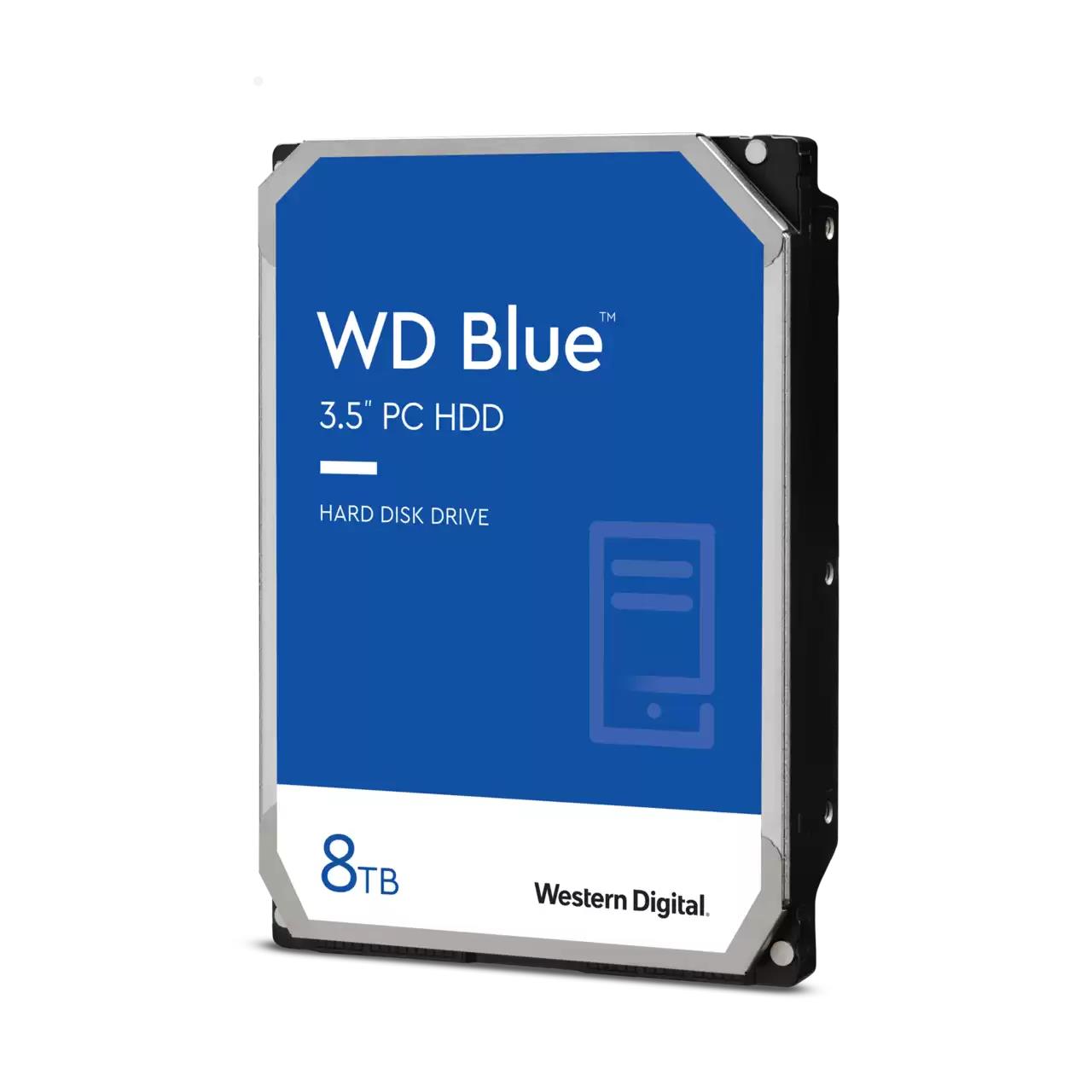
HDD SATA 8TB 5640RPM 256MB/BLUE WD80EAAZ WDC
WD Blue™ internal hard drives deliver reliability for office and web applications. They are ideal for use as primary drives in desktop PCs and for office applications. With a range of capacities and cache sizes, there’s a WD Blue internal hard drive that’s just right for you.
NoTouch Ramp Load technology
The recording head never touches the disk media, ensuring significantly less wear to the recording head and media as well as better drive protection in transit.
Low power consumption
State-of-the-art seeking algorithms and advanced power management features ensure low power consumption
Tested for compatibility
We perform tests on hundreds of systems and a multitude of platforms in our FIT Lab to give our customers confidence that our drives will work in their systems.
Upgrading your drive is easy
Seamlessly migrate your current system to your new Western Digital drive using Acronis® True Image™ WD Edition software, available as a free download on the Western Digital Support site. This software enables you to copy all your data to a new drive so you don't have to reinstall your operating system to get all the benefits of a new drive.
The Western Digital® advantage
Western Digital puts our products through extensive Functional Integrity Testing (F.I.T.) prior to any product launch. On average, each new product goes through 600,000 hours of testing. Western Digital also has a detailed Knowledge Base with more than 1,000 helpful articles. You can also call toll-free support 7 days per week in the U.S. and Canada. See the Western Digital Support site for full details. Recommended use - WD Desktop hard drives are tested and recommended for use in PCs, industrial applications and external enclosures.